Resources and limits
| Resource group | Contents | Used for |
|---|---|---|
| Basic | Iron, Copper, Lithium | Early buildings, factories, and units |
| Manufactured | Iron Plate, Alloy, PV Cell | Construction and upgrades |
| Rare | Titanium, Iridium, Kimberlite, Platinum | Advanced buildings and unit upgrades |
Storage limits apply to each resource. An empty Copper store does not make room for more Iron.
Electricity, housing, and fleet capacity are separate limits. Solar Panels supply electricity; Garages and Hangars add housing; the Starmapper adds fleet capacity. You cannot load these utilities as cargo.
Mines
Mines produce one resource while active and stop accumulating it when storage is full.
| Mine | Produces | Where it can be built |
|---|---|---|
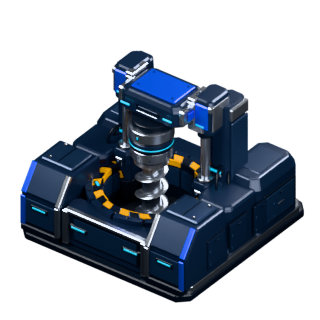 Iron Mine Iron Mine |
 Iron Iron |
An unoccupied mineral-deposit tile inside your unlocked area |
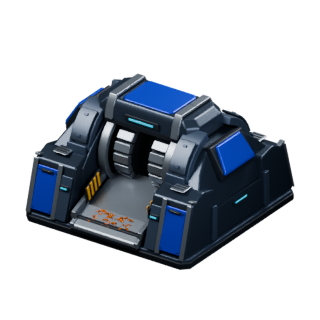 Copper Mine Copper Mine |
 Copper Copper |
An unoccupied mineral-deposit tile inside your unlocked area |
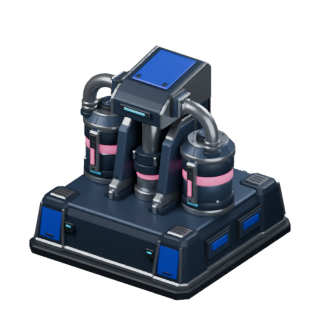 Lithium Mine Lithium Mine |
 Lithium Lithium |
An unoccupied mineral-deposit tile inside your unlocked area |
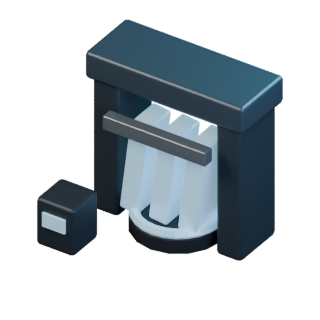 Titanium Mine Titanium Mine |
 Titanium Titanium |
Only on a Titanium motherlode asteroid |
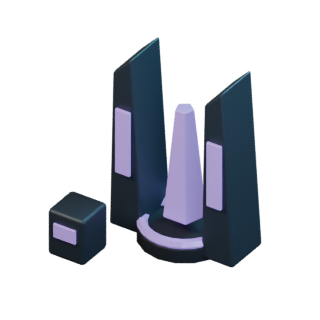 Iridium Mine Iridium Mine |
 Iridium Iridium |
Only on an Iridium motherlode asteroid |
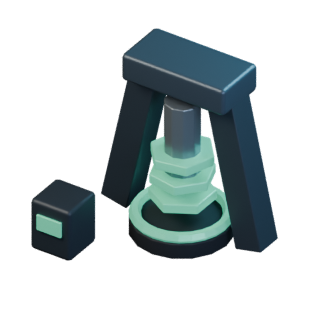 Kimberlite Mine Kimberlite Mine |
 Kimberlite Kimberlite |
Only on a Kimberlite motherlode asteroid |
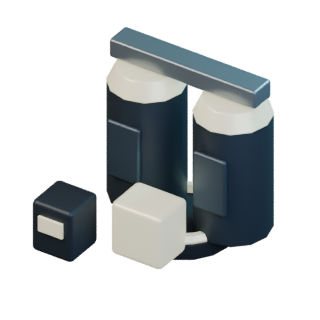 Platinum Mine Platinum Mine |
 Platinum Platinum |
Only on a Platinum motherlode asteroid |
Upgrade a mine to raise its output. Mines need no input resources and keep producing while you are away. Your Main Base level limits their upgrades.
Factories and production
The three factory chains are:
| Factory | Basic resource used | Output |
|---|---|---|
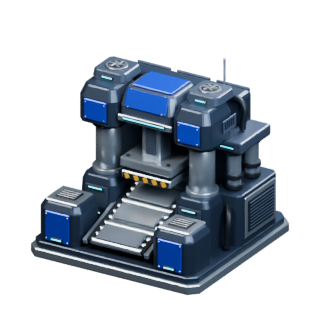 Iron Plate Factory Iron Plate Factory |
Iron |
 Iron Plate Iron Plate |
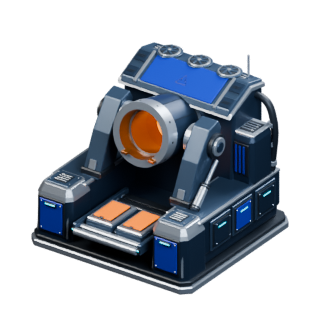 Alloy Factory Alloy Factory |
Copper |
 Alloy Alloy |
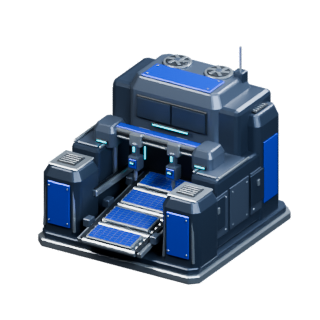 PV Cell Factory PV Cell Factory |
Lithium |
 PV Cell PV Cell |
Factories consume your colony's stockpile. If consumption exceeds mining output, that basic resource runs down. Check the rates in the factory panel.
Production is shown as an estimate until claimed. Use Claim if a completed production or training balance has not updated.
Building reference
| Building | What it does |
|---|---|
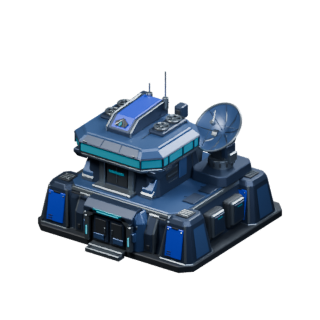 Main Base Main Base |
Unlocks buildings and upgrades through its level |
| Iron Mine |
Produces Iron |
| Copper Mine |
Produces Copper |
| Lithium Mine |
Produces Lithium |
| Titanium Mine |
Extracts Titanium on a matching motherlode asteroid |
| Iridium Mine |
Extracts Iridium on a matching motherlode asteroid |
| Kimberlite Mine |
Extracts Kimberlite on a matching motherlode asteroid |
| Platinum Mine |
Extracts Platinum on a matching motherlode asteroid |
| Iron Plate Factory |
Turns Iron into Iron Plate |
| Alloy Factory |
Turns Copper into Alloy |
| PV Cell Factory |
Turns Lithium into PV Cells |
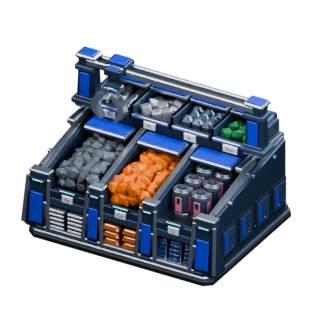 Storage Unit Storage Unit |
Raises resource storage limits |
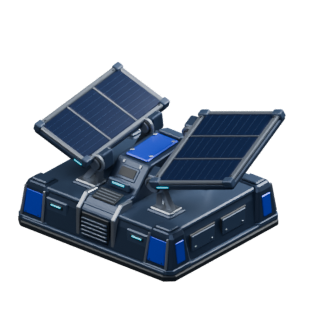 Solar Panel Solar Panel |
Supplies electricity |
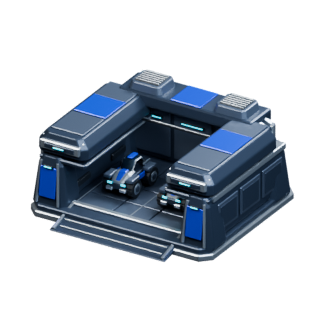 Garage Garage |
Adds housing; available earlier than the Hangar |
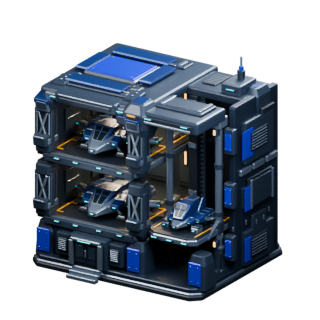 Hangar Hangar |
Adds more housing in a larger footprint |
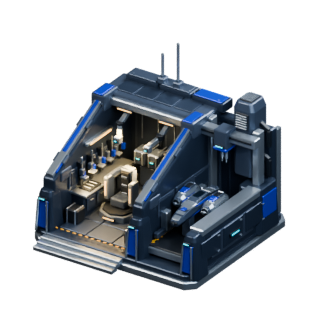 Workshop Workshop |
Trains Minuteman Marines, Trident Marines, and Lightning Craft as unlocked |
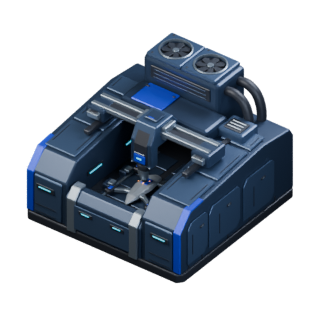 Drone Factory Drone Factory |
Trains Anvil, Hammer, Aegis, and Stinger Drones as unlocked |
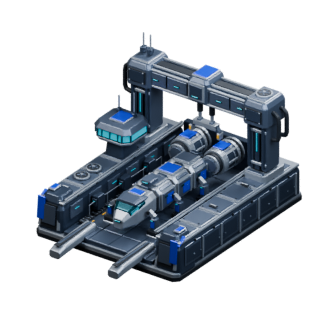 Shipyard Shipyard |
Trains Colony Ships and lets you buy colony slots |
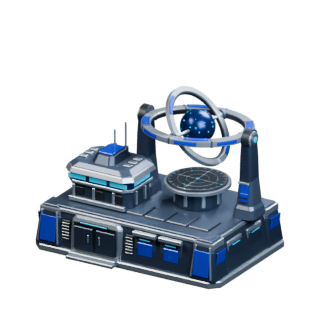 Starmapper Starmapper |
Raises fleet capacity; limited to one per asteroid |
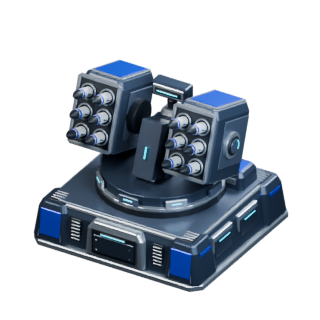 SAM SAM |
Adds asteroid defense |
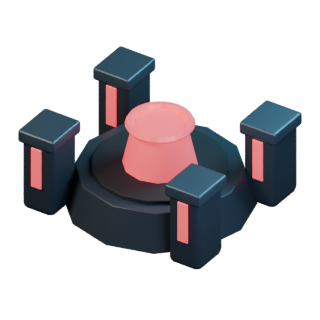 Shield Generator Shield Generator |
Increases defense and HP recovery |
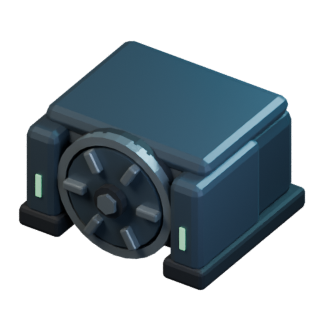 Vault Vault |
Protects some stored resources from raids |
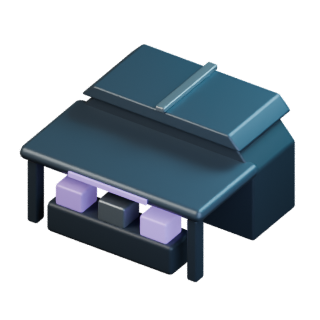 Market Market |
Exchanges resources at the quoted rate |
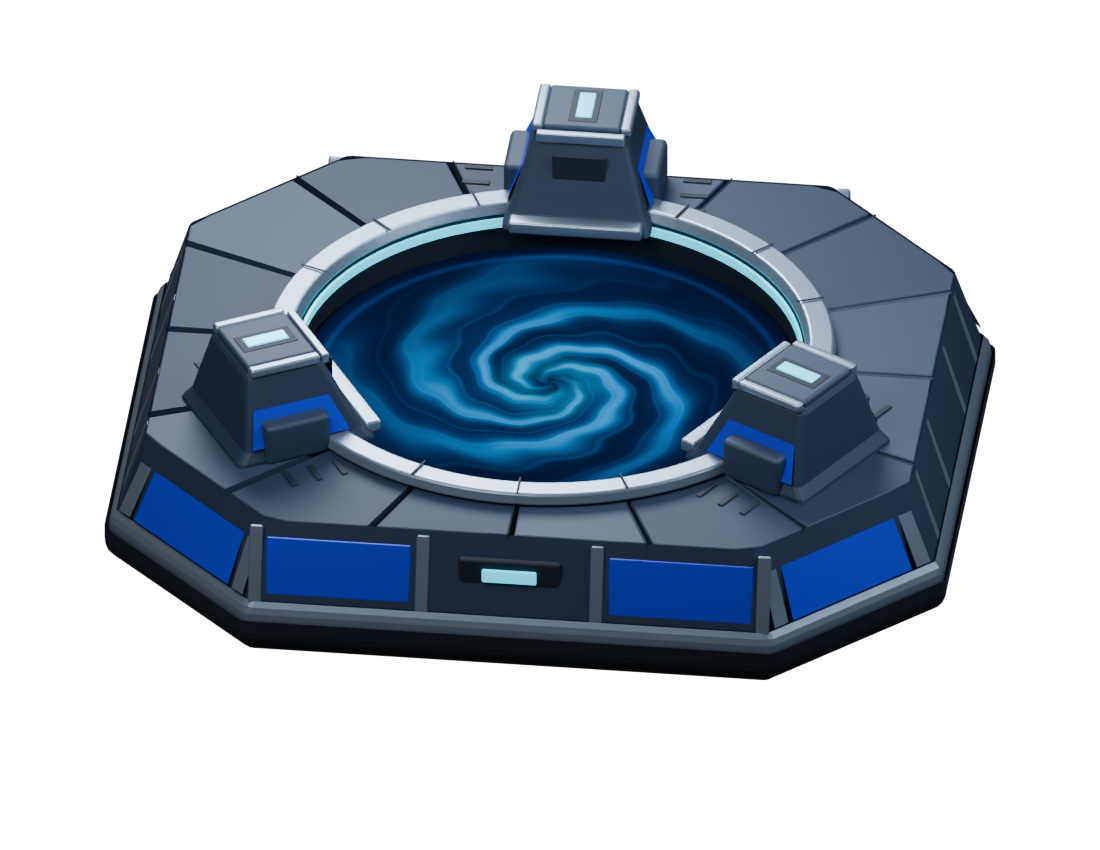 Wormhole Base Wormhole Base |
Accepts resource deposits for points |
Building availability depends on the asteroid and your Main Base level. Select a building to see its cost, footprint, and requirements.
Placement and upgrading
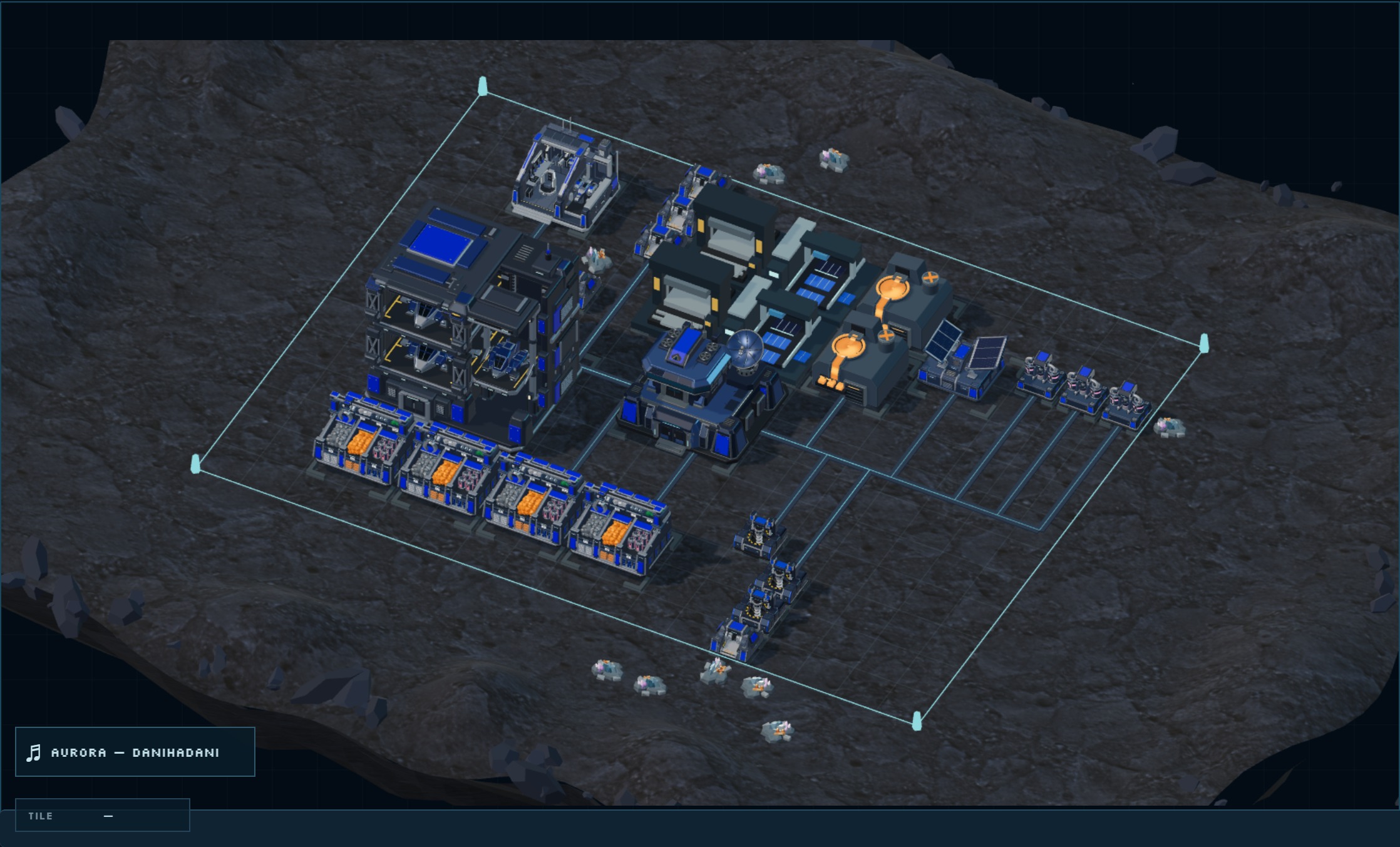
Iron, Copper, and Lithium Mines must be placed on mineral-deposit tiles. All three use the same required terrain type; an empty patch of ground is not enough.
Blueprints → choose a mine → select a free mineral deposit → confirm placement. Wait for the built mine to appear.
The entire building must fit inside your unlocked area, avoid occupied tiles, and meet its terrain requirement. Expand from the Main Base when you need more room.
Building upgrades and unit upgrades are separate purchases. Upgrading a Workshop can improve training or unlock another unit; it does not buy that unit's upgrade. Unit upgrades apply to that unit type on the selected asteroid and fleets based there.
Training units
- Select an active Workshop, Drone Factory, or Shipyard.
- Choose an unlocked unit and quantity. Check its cost, housing, and training time.
- Start training. The order pays its resource cost and reserves housing immediately.
- Collect finished units. Units complete one at a time, so part of an order may be ready while the rest is still training.
- Transfer them into a fleet when you want to send them elsewhere.
A Shipyard can have only one Colony Ship training order at a time. Colony Ships also need a free colony slot; see conquest.
Getting rare resources
Need Titanium, Iridium, Kimberlite, or Platinum? Buy it, raid it, or mine it.
| Method | What to do |
|---|---|
| Buy | Select your Market, choose the resource and amount, review the exchange quote, then confirm. |
| Raid | Send combat units without a Colony Ship to an asteroid holding the resource. Win the attack, return home, and unload the loot. Leave cargo space; Vaults protect some resources. |
| Mine | Find a matching motherlode in Starbelt. Capture it with a Colony Ship and combat units, then build the matching rare mine. A Titanium Mine needs a Titanium motherlode, for example. |
For a steady supply, capture and defend a motherlode. See how to capture an asteroid or how to raid.
Objectives and rewards
Objectives → complete the requirement → Claim. Rewards are not collected automatically.
Leave room for the reward in storage or housing. Some objectives need a particular action or battle record; an existing balance or army may not satisfy them. If the claim is blocked, check the missing requirement shown in the objective.
Continue with fleets and conquest.
September 2026 edition · Use the game panel for current costs and timers.